Getting up and running with Claude Code
Install Claude Code on Windows or macOS, sign in, and make one small thing with it so you know it works. No coding needed.
Materials from workshops I have run — on AI tools, the web, and physical computing. Best described as creative coding tutorials.
6 workshops · 3 courses · 2024–2026
Install Claude Code on Windows or macOS, sign in, and make one small thing with it so you know it works. No coding needed.
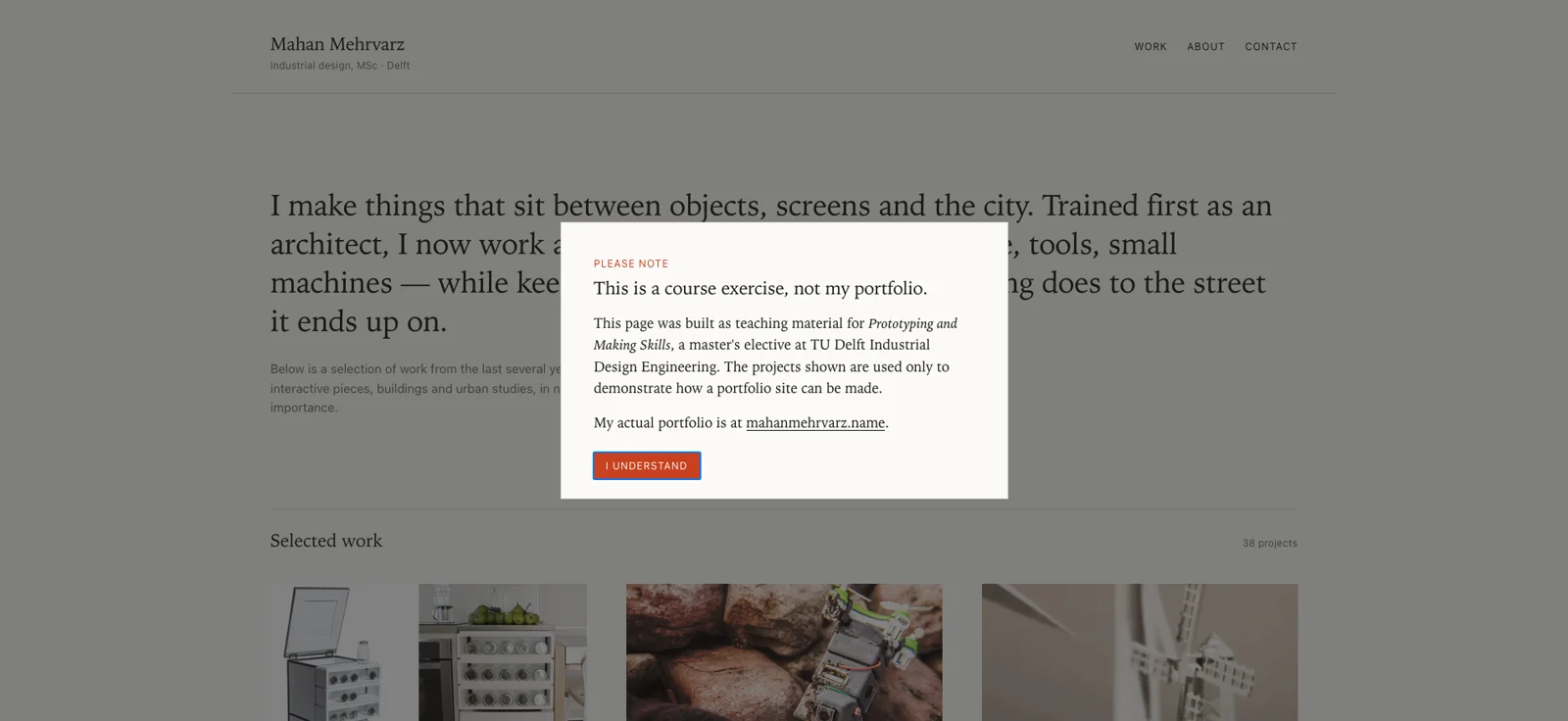
Turn a folder of images into a portfolio page, put it on GitHub, and deploy it to a public address that updates when you edit.
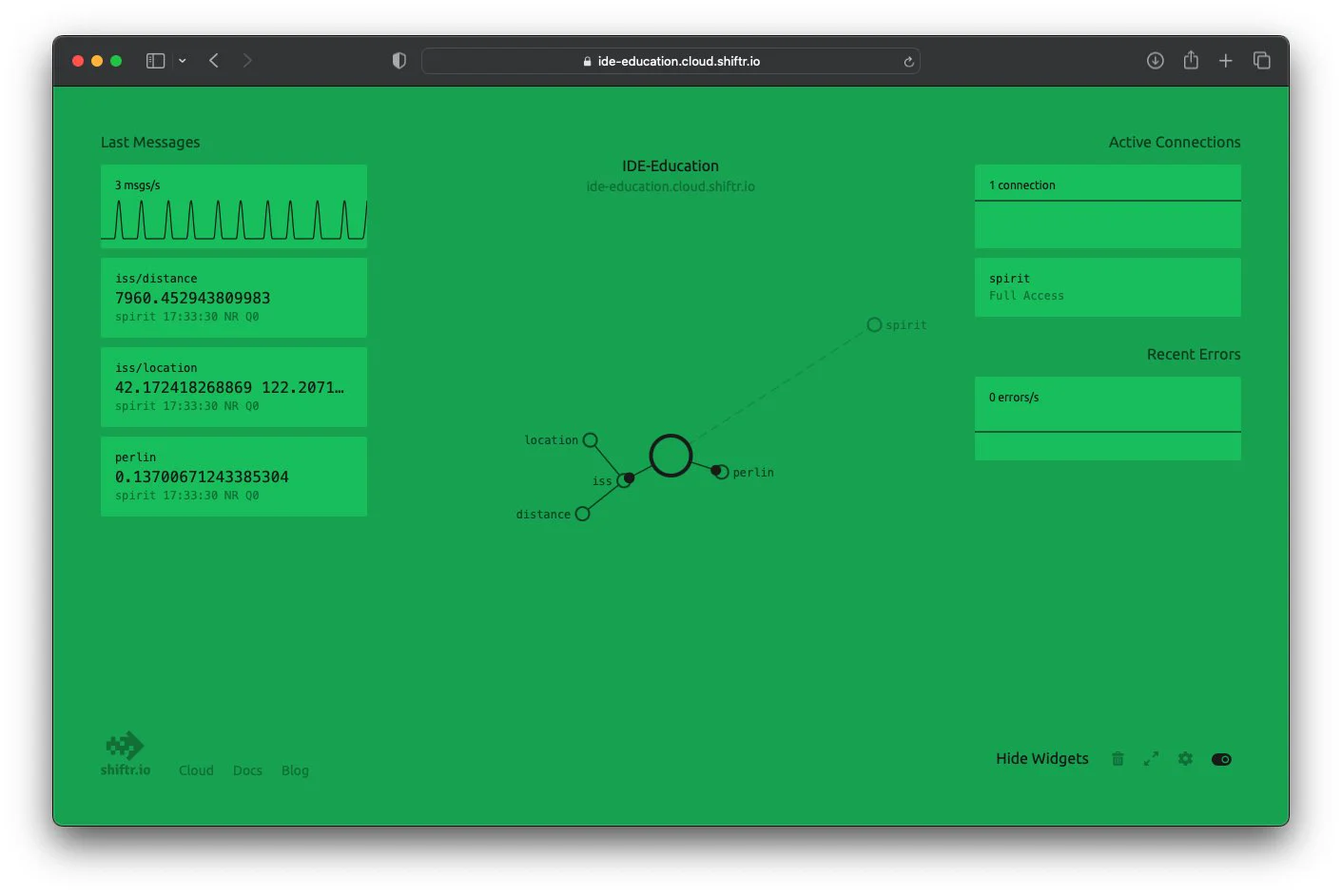
Use MQTT to let separate devices talk to each other, then bring those messages into p5.js so a sketch reacts to a thing in the room.
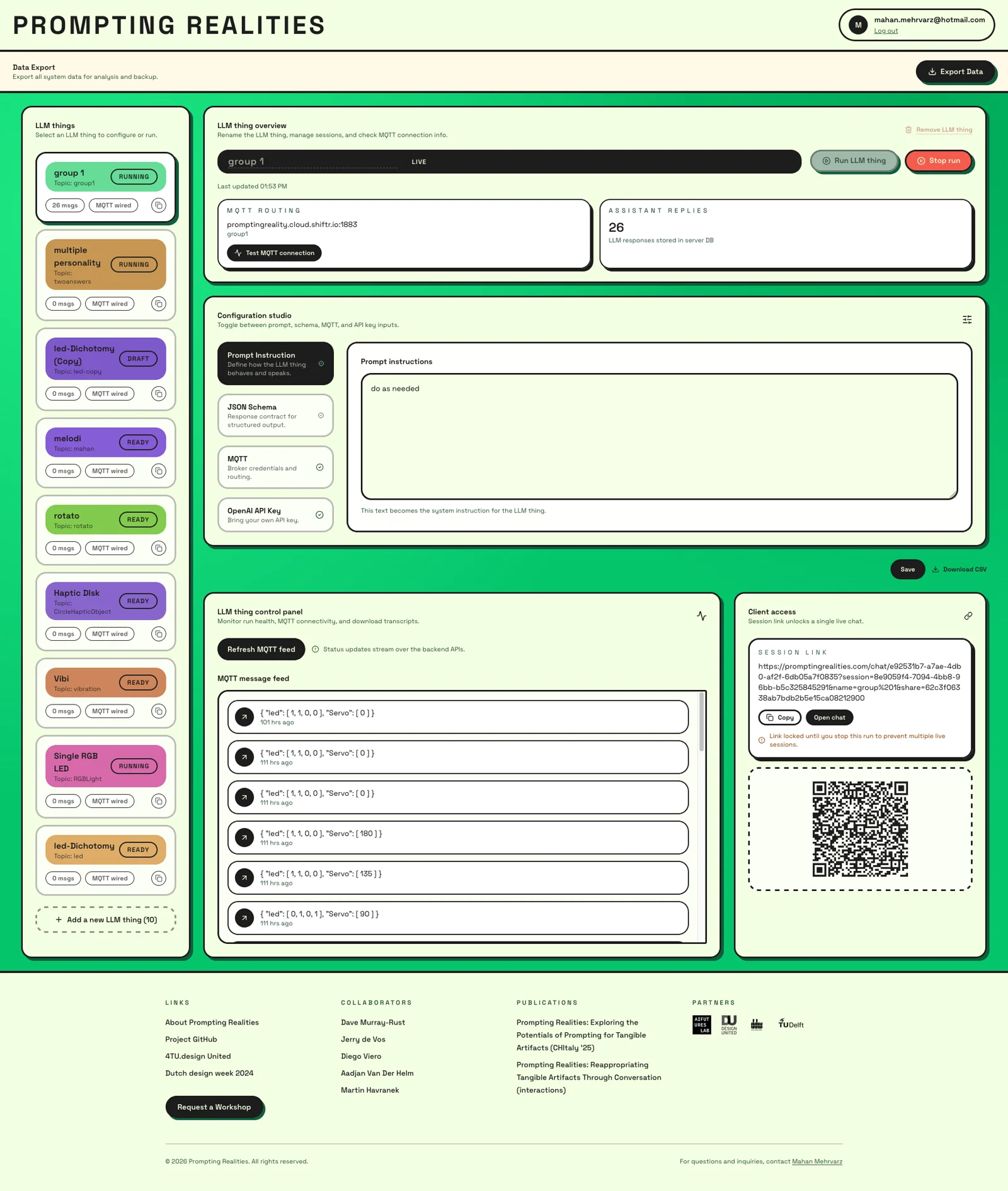
Wire a microcontroller kit to a language model, so a physical object can be given a character and answer for itself.
Build a Telegram bot, give it speech-to-text and text-to-speech, then pipe what it hears and says into a p5.js sketch.
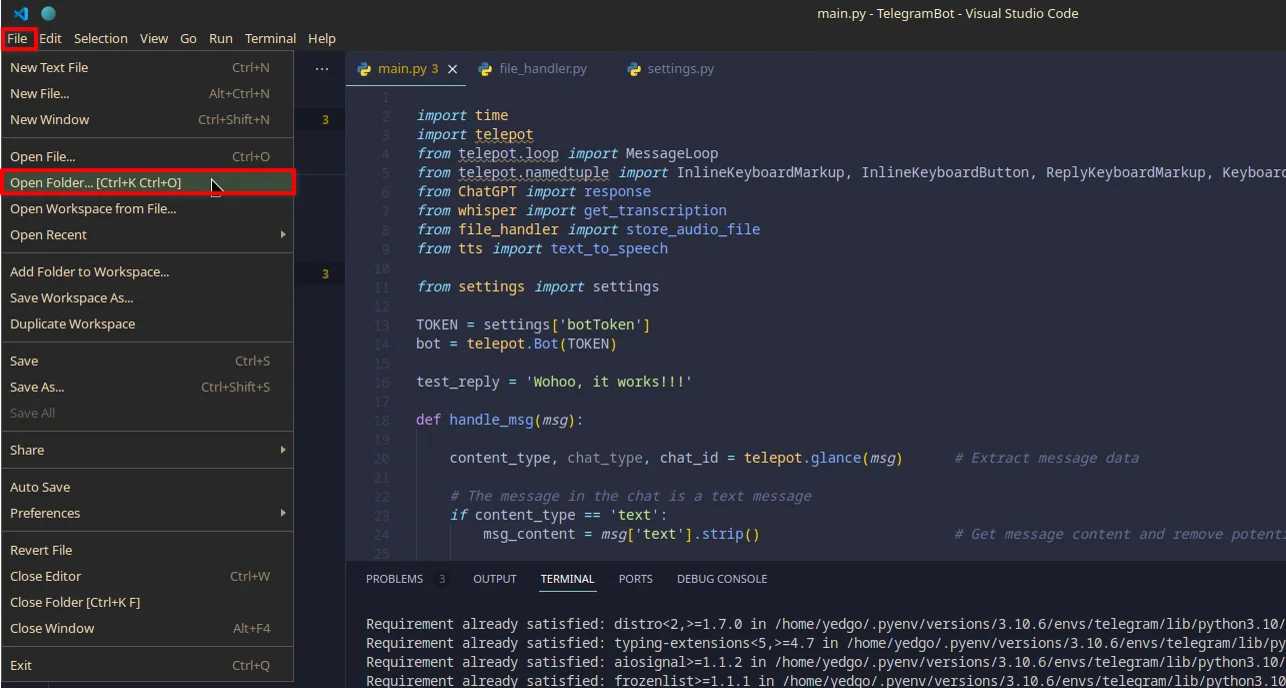
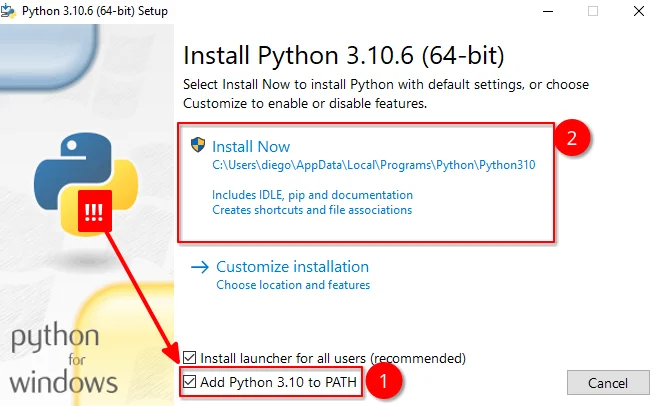
Install VS Code and Python, get an OpenAI key working, then learn the prompt-writing patterns that make model output predictable.